

How it works
When you send an SMS campaign or flow message with a link, Privy creates a short link for click tracking. By default, this link uses a Privy subdomain. With Real Link enabled, those short links use your store’s primary domain instead. Privy creates a URL redirect on your Shopify store that routes clicks through your domain before landing on the final destination. Without Real Link:Why use Real Link
- Build subscriber trust — Recipients are more likely to tap a link from your recognizable store domain than an unfamiliar one.
- Higher click-through rates — Subscribers are more likely to tap a link they recognize.
- Better deliverability — Using your own domain for links reduces the chance of messages being flagged as spam by carriers.
Requirements
- A Shopify store connected to your Privy account.
- The Privy app must have the Online Store navigation permission in Shopify. If this permission hasn’t been granted, you’ll be prompted to reconnect your Shopify account during setup.
Real Link is currently available for Shopify stores. If you’re on another platform and interested in this feature, contact support.
Activate Real Link
1
Navigate to Real Link settings
In your Privy dashboard, go to Settings > Text Settings > Real Link.
2
Review your brand URL
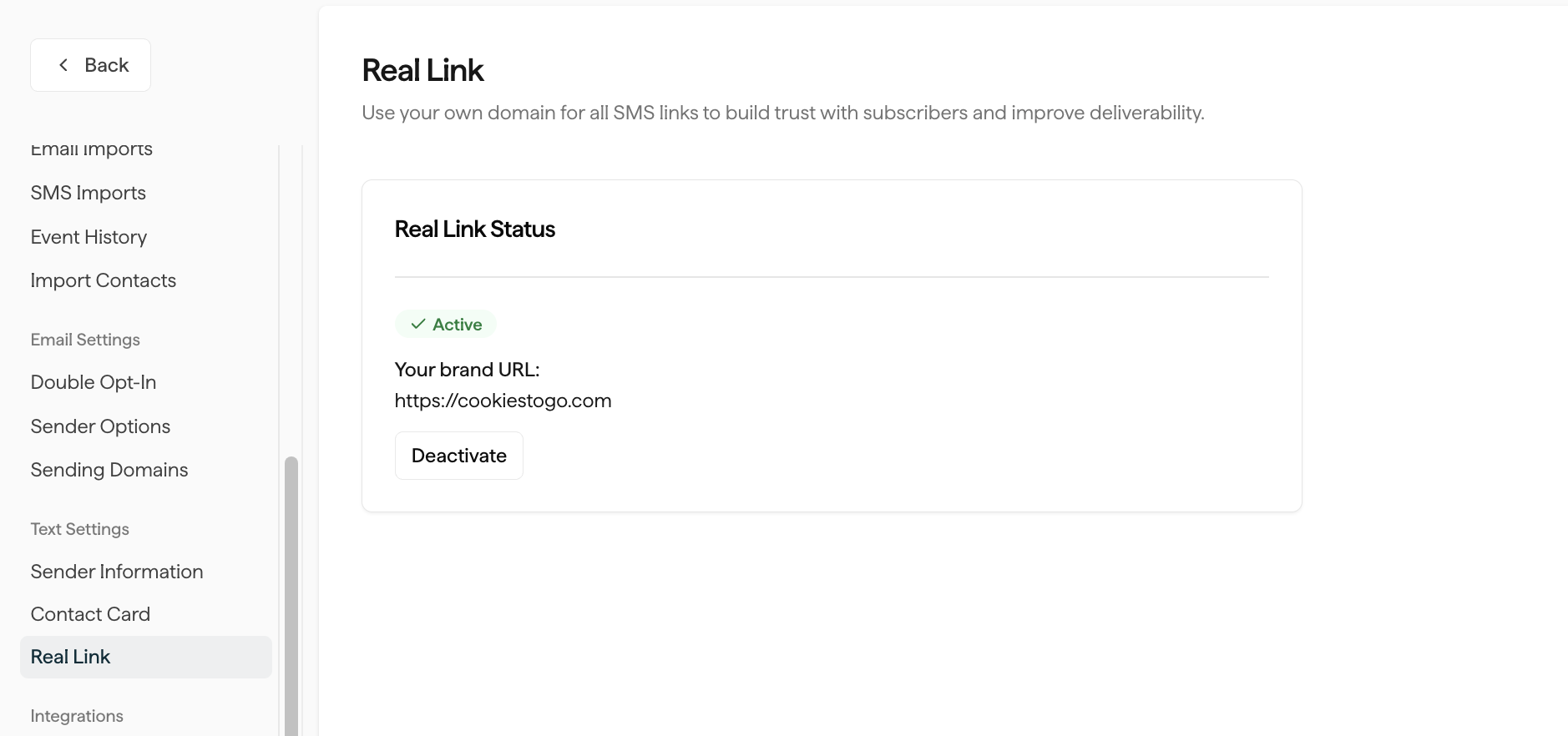
The page displays your store’s primary domain. This is the domain that will appear in your SMS links once Real Link is activated.
3
Click Activate Real Link
Click the Activate Real Link button, then confirm by clicking Enable Real Link in the dialog.Privy will create a URL redirect on your Shopify store automatically. Once complete, the status will change to Active and your brand URL will be displayed.
Deactivate Real Link
If you need to deactivate Real Link:- Go to Settings > Text Settings > Real Link.
- Click Deactivate.
- Confirm by clicking Deactivate Real Link in the dialog.
FAQs
Does Real Link work with all SMS message types?
Does Real Link work with all SMS message types?
Yes. Once activated, Real Link applies to all SMS short links generated by Privy — including campaigns and flows.
Will enabling Real Link change links in messages I've already sent?
Will enabling Real Link change links in messages I've already sent?
No. Real Link only affects links created after activation. Previously sent messages will continue to use whatever link domain was active when they were sent.
What domain will appear in my links?
What domain will appear in my links?
Real Link uses the primary domain from your Shopify store settings — not your
.myshopify.com subdomain. For example, if your primary domain is coolstore.com, your links will show https://coolstore.com/l?l=....I'm not on Shopify. Can I still use Real Link?
I'm not on Shopify. Can I still use Real Link?
Real Link is currently only available for Shopify stores. If you’re on another platform, contact support for assistance.
What happens if I disconnect my Shopify store?
What happens if I disconnect my Shopify store?
Disconnecting your Shopify store automatically deactivates Real Link. The existing redirect remains in your Shopify store so previously sent links continue to work. You’ll need to reactivate Real Link after reconnecting.